Help Center
Div
Div is the most basic and versatile element in website construction
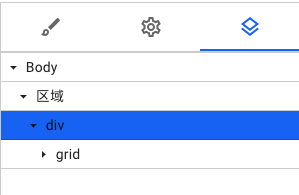
Create and edit Div components
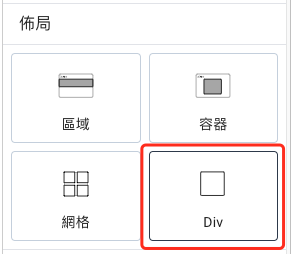
To create a grid component, you can select "Div" in the add panel on the left and drag it into the location you want to place it.
When an element is placed inside a Div, it will automatically resize according to the elements inside and wrap the elements inside together.
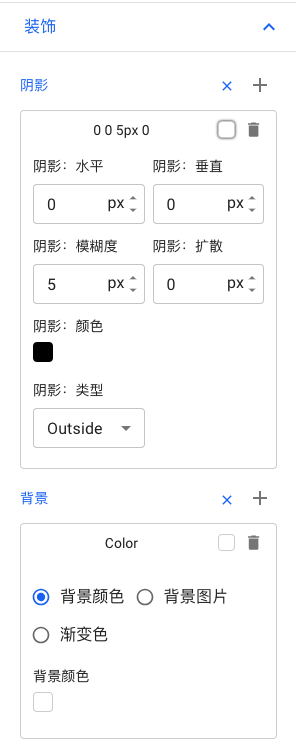
You can also select "Decoration" in the style adjustment on the right to adjust the shadow or background.

WEBER is a simple website building tool platform. Whether you need a professional company website, a beautiful portfolio or an easy-to-use online mall, WEBER can provide you with satisfactory construction services.


Online shop
Cross-border E-commerce
Live streaming Websites
Global Logistics
Membership System
© 2024 Weber All Right Reserved