Weber Update Log
Thank you for your ongoing support for Weber. In the future, the Weber team will continuously update the version to enhance the functionality and visual experience of the Weber platform. We will regularly update the Weber platform — please check the content of this section periodically to stay informed about the latest improvements and new features.
Click "Basic" in the upper right corner of a single carousel block, and you can add a carousel after entering.
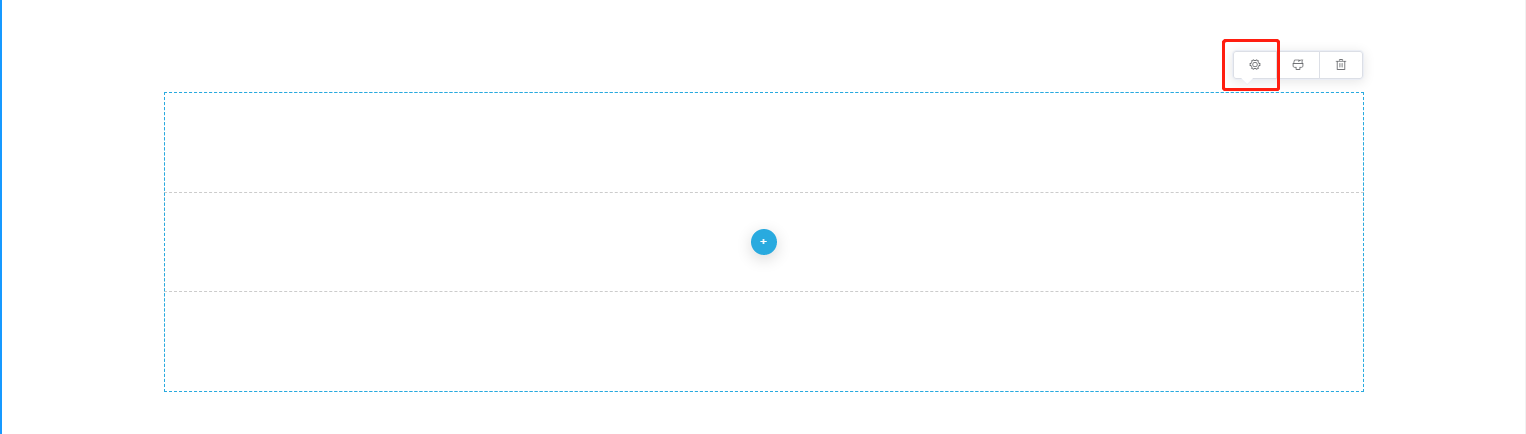
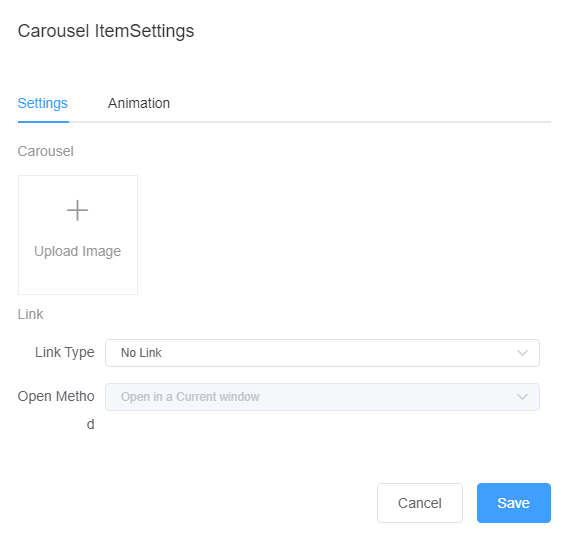
Click the "+" in the middle to add the required components.
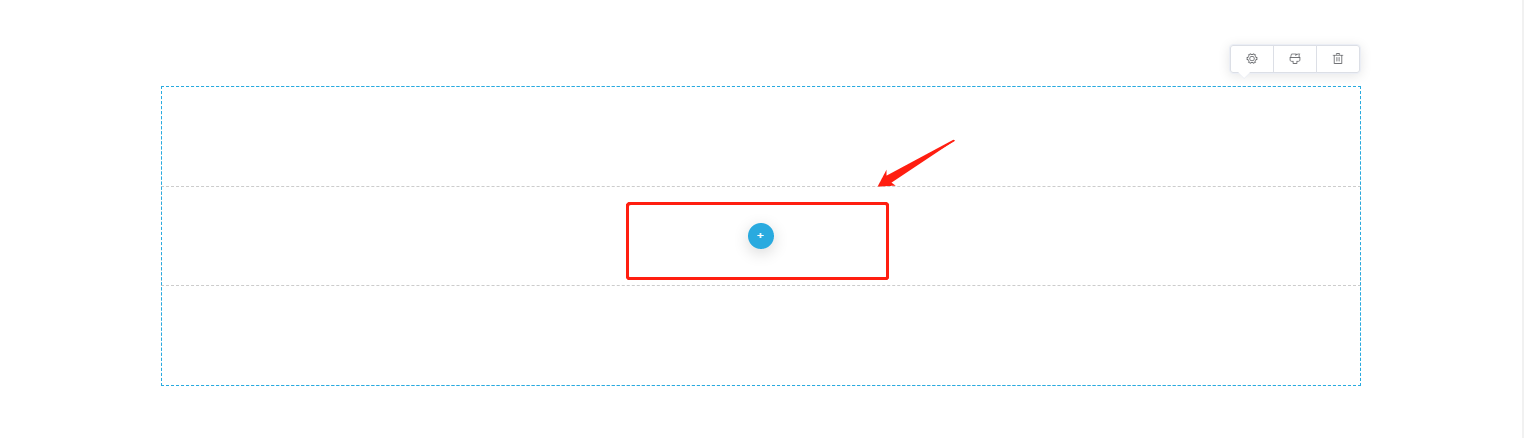
Right-click on the carousel component and select "Style" to set the layout and so on.
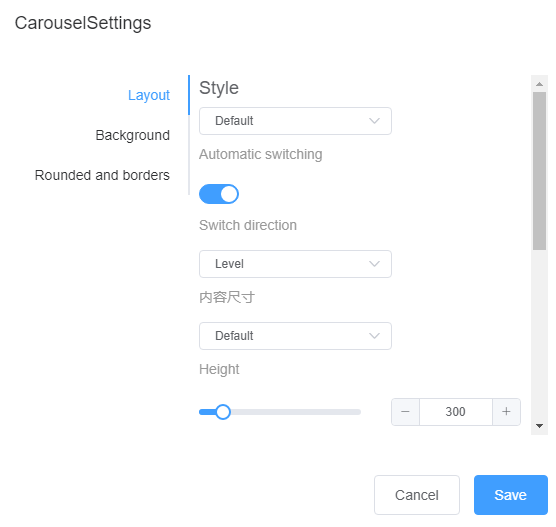
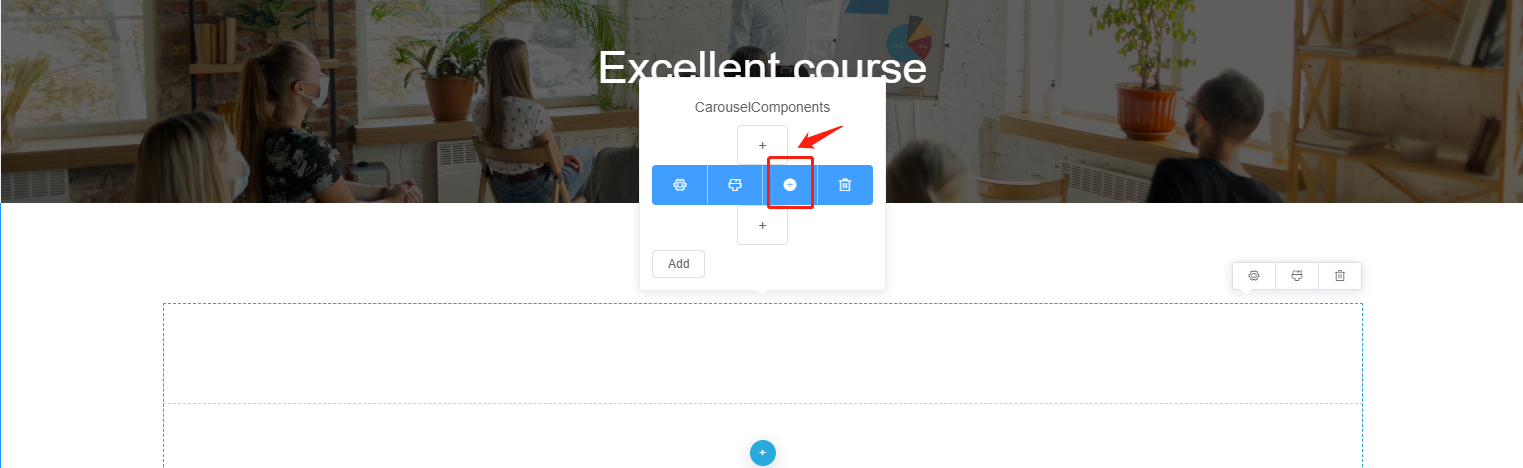
After setting the first carousel style, right-click on the carousel diagram component and select "➕ "to copy the first style.
Category:Component Function
Share to:

WEBER is a simple website builder. Whether you need a professional company website, a beautiful portfolio, or an easy-to-use online shopping mall, WEBER can provide you with satisfactory building services.


Online Shop
WEBER FROM TOPKEE'S BRANDS
© 2024 Weber All Right Reserved