Weber Update Log
The "product list" component and the "product details" component must be used together.
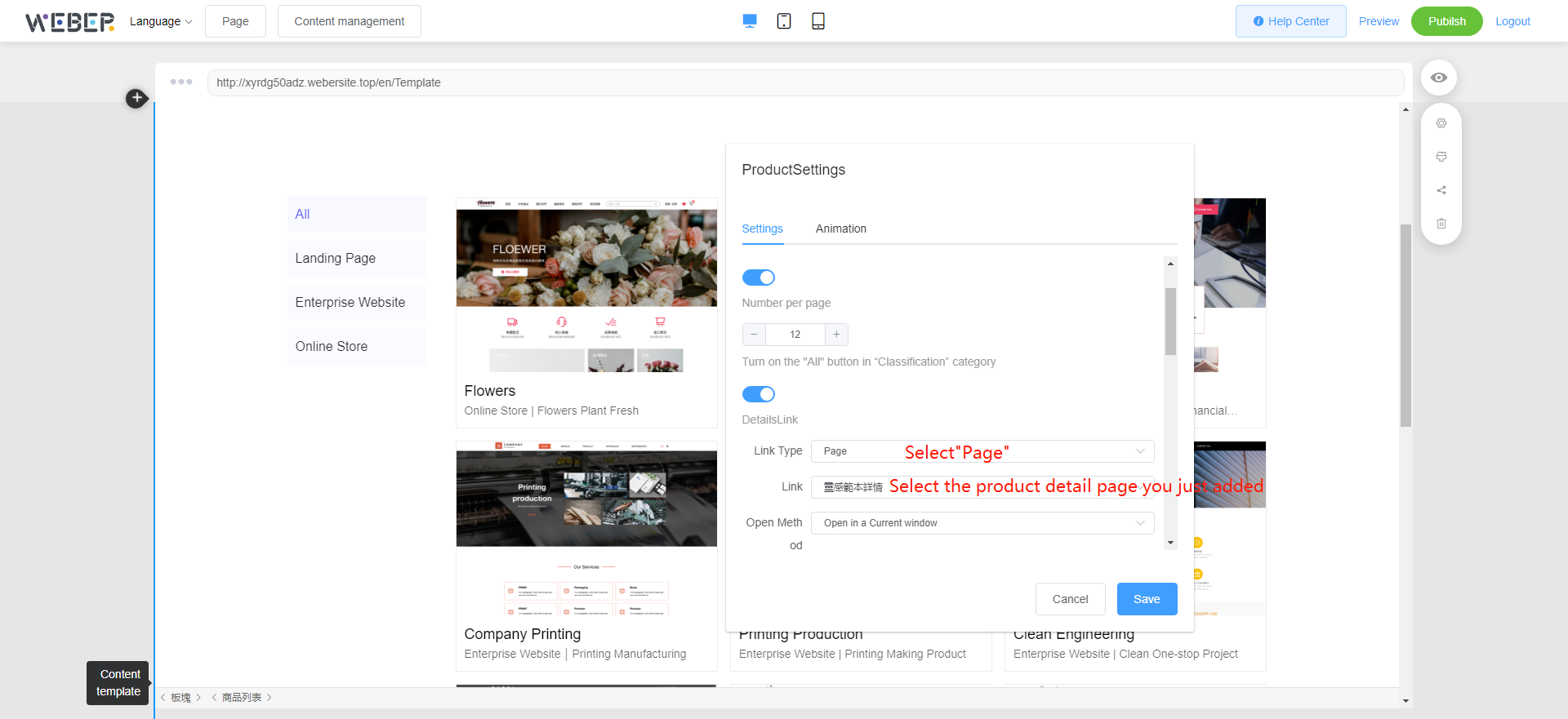
First create a new page to place the "product details" component, which is used to carry the jump of the "product list" component.
Right-click on the "Product Details" component and select  to adjust the layout, text, background and other parameters.
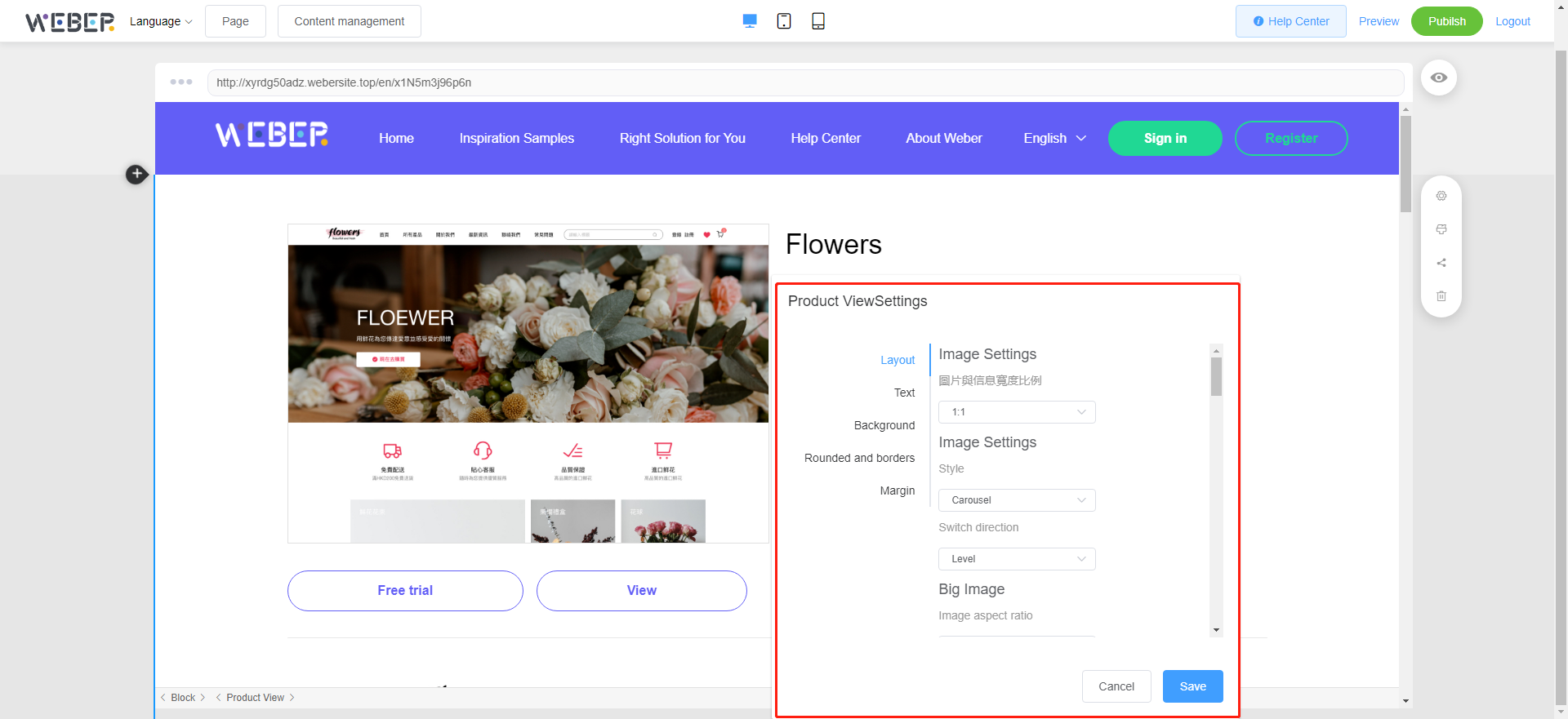
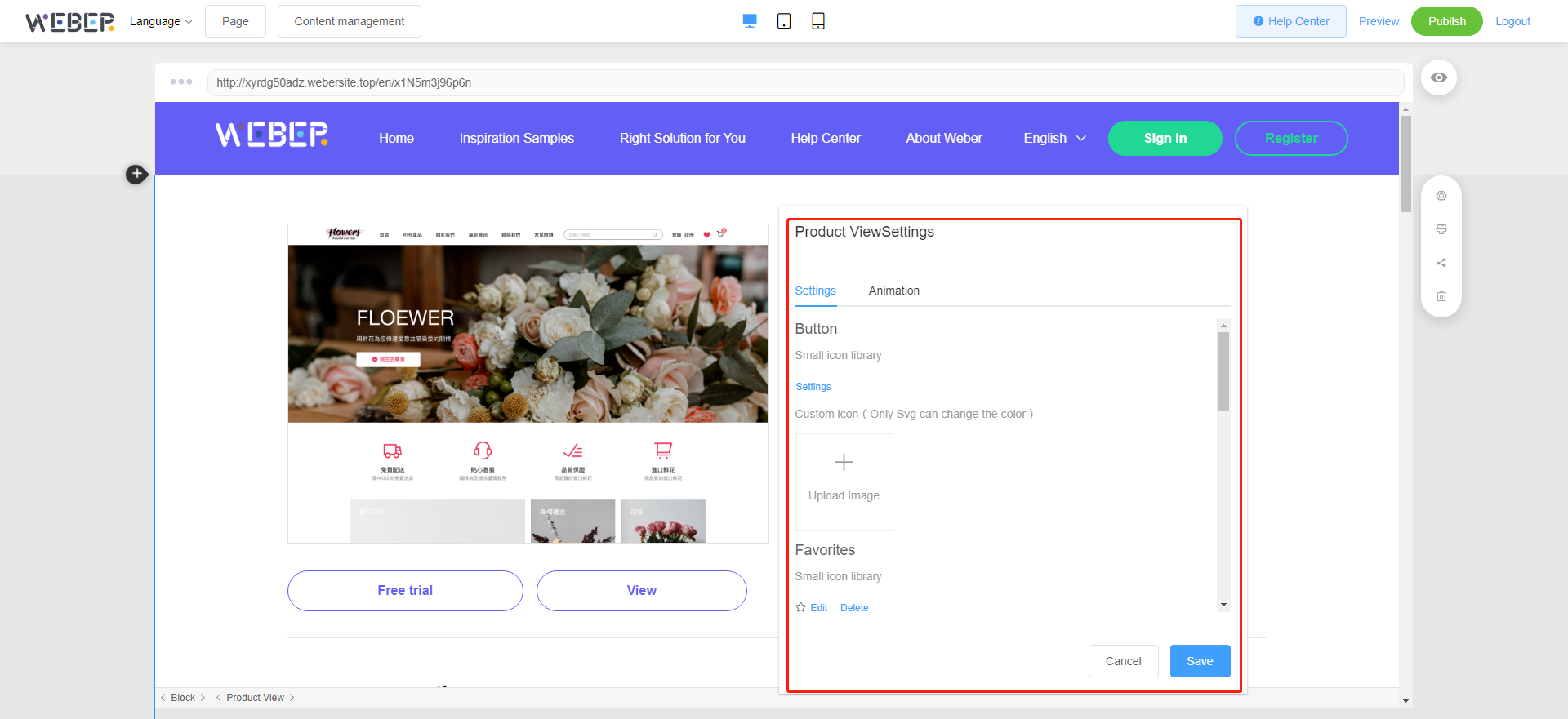
Right-click on the "Product Details" component and select " " to add the corresponding parameters.
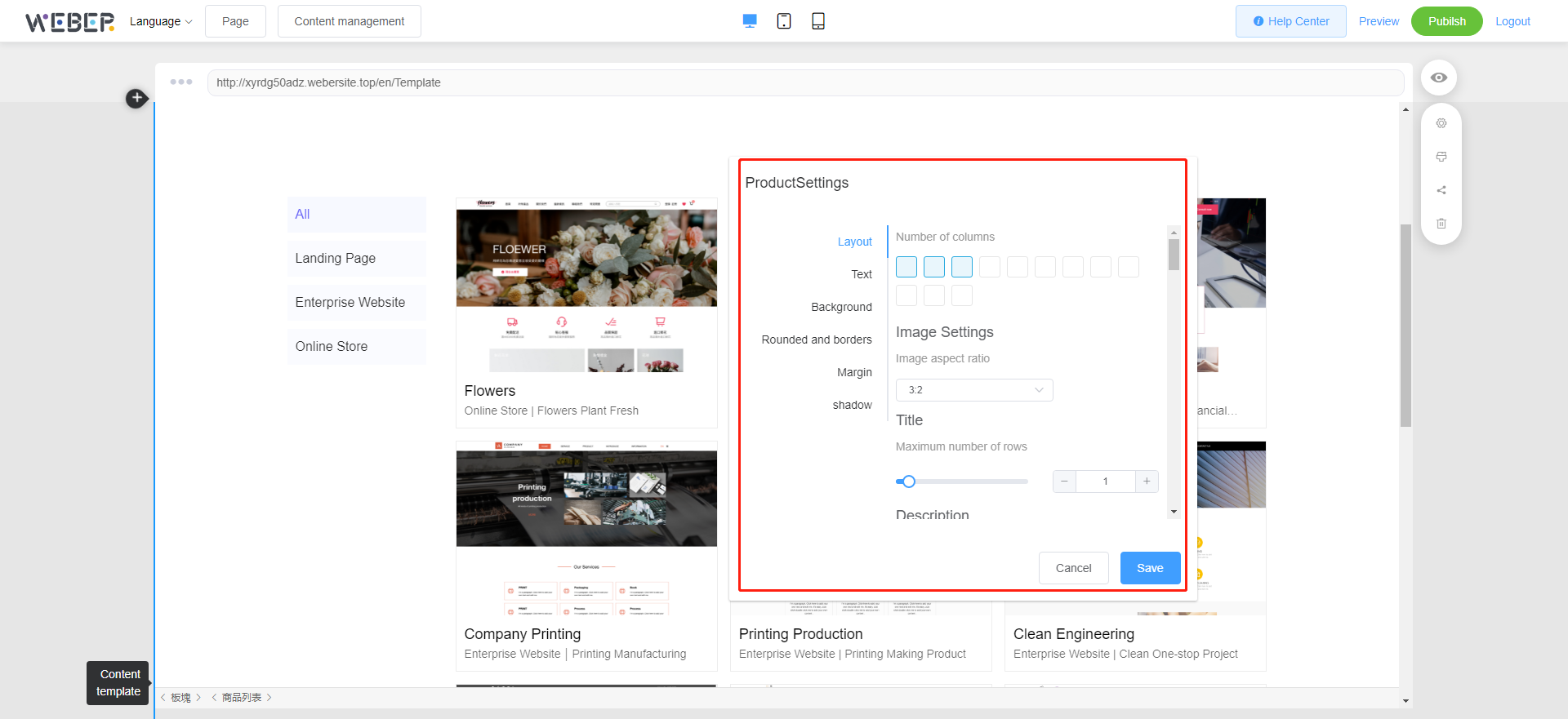
If you have entered product data in the background of "Content Management", it will be automatically displayed after adding the "Product List" component.
Right-click on the "Product List" component and select "" to add the corresponding parameters.
Right-click on the "Product List" component and select "" to adjust the layout, text, background and other parameters.