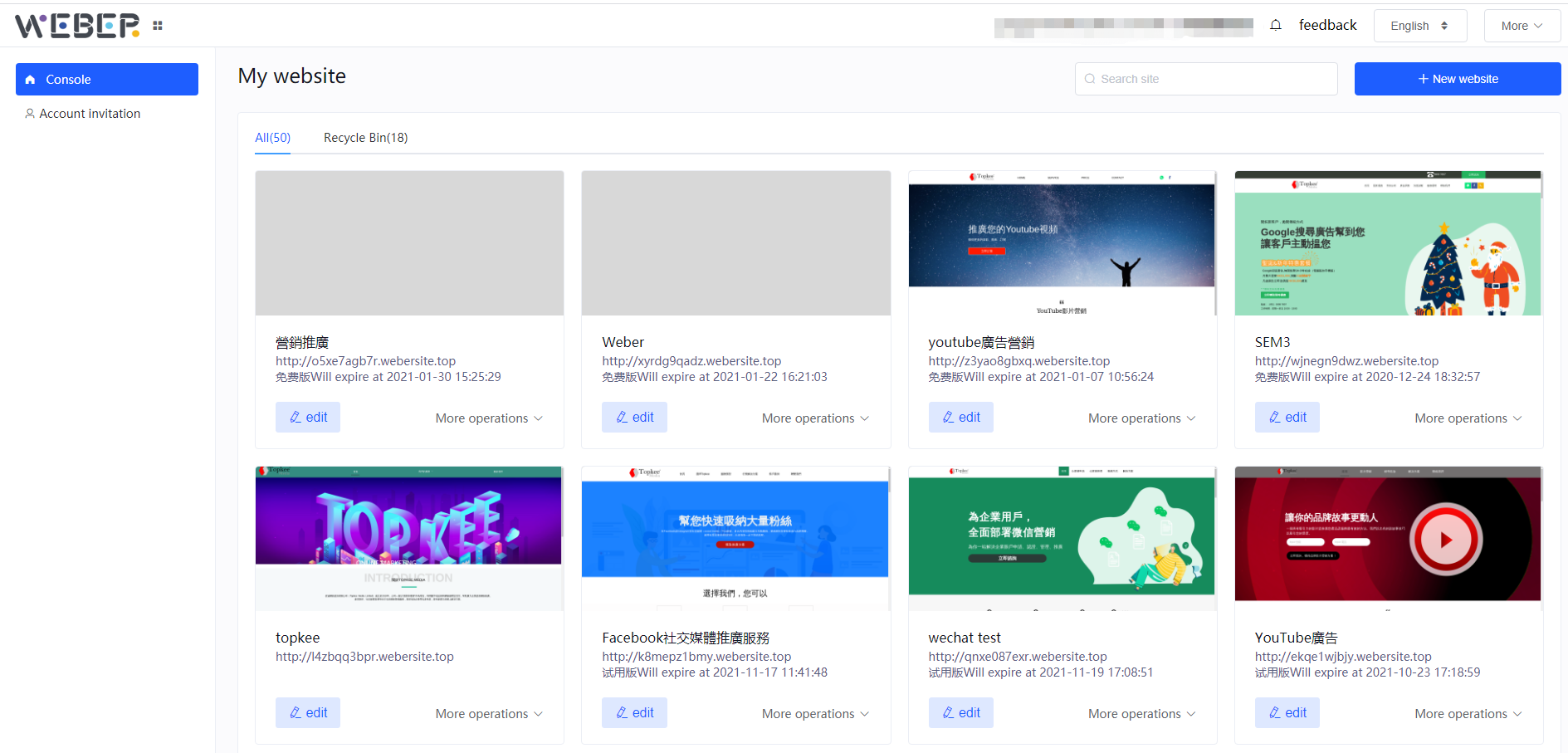
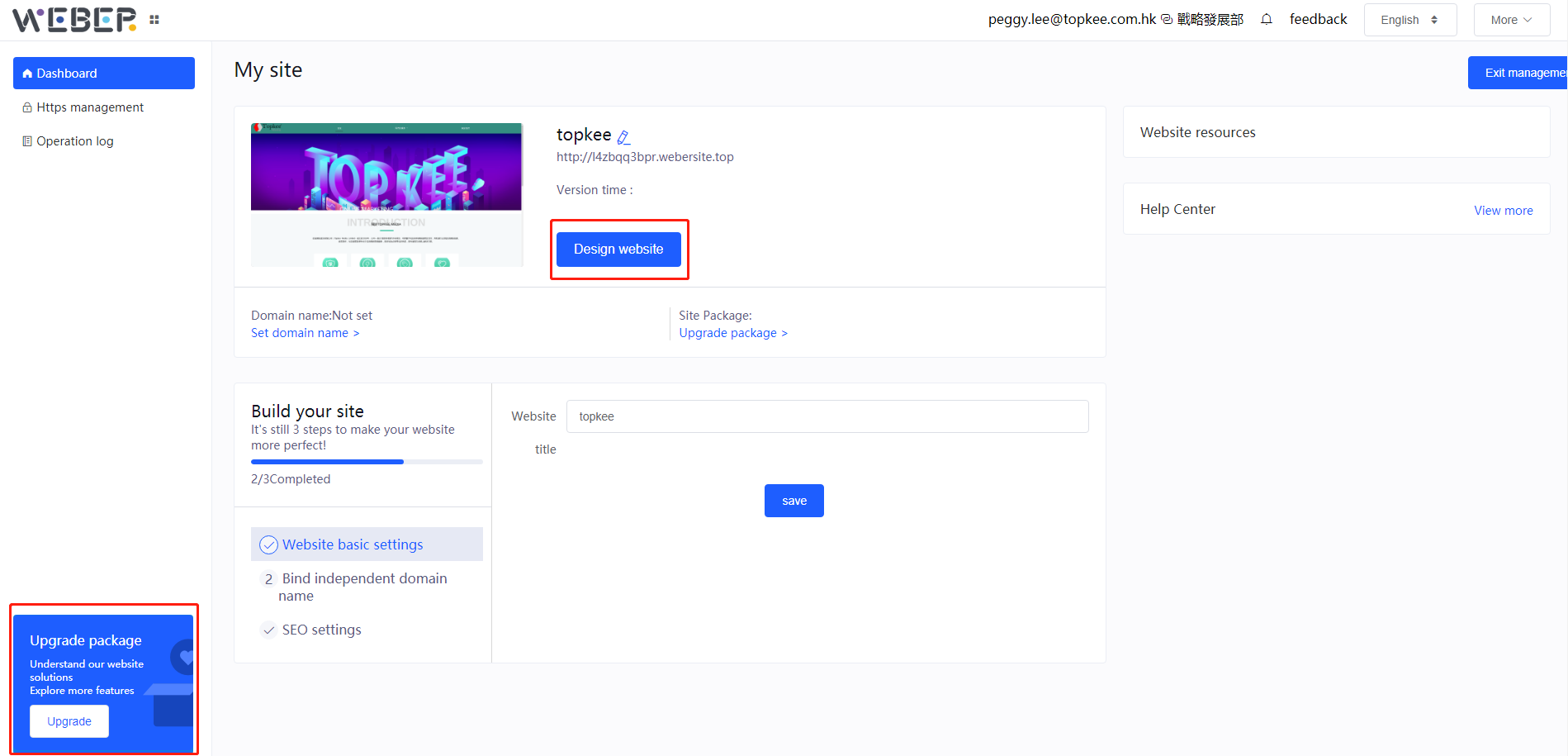
Click "Edit" to enter the visualization interface.
Click "Upgrade" which is in the bottom left to select the required function plan.
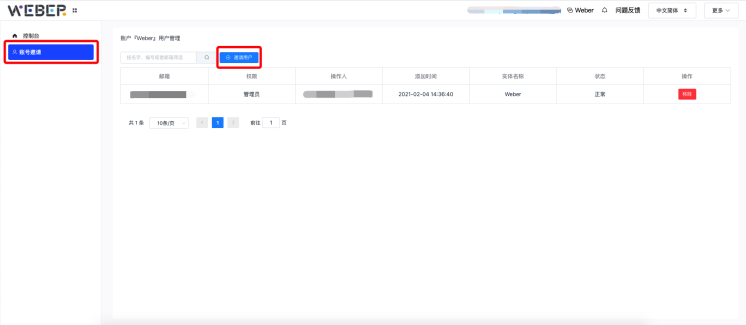
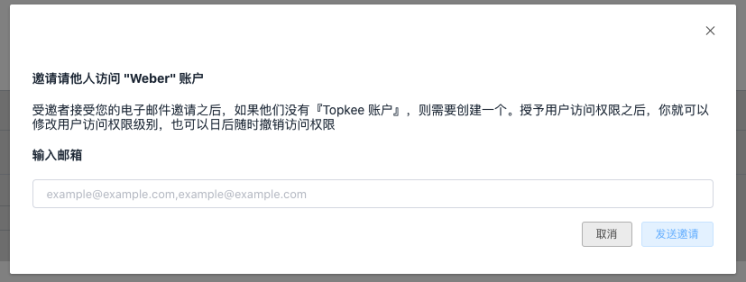
On the interface of the personal center, click on the account invitation to invite other users to manage your site.
After creating an account, click to enter the interface.The left side is the shortcut navigation, including the console and account invitation; the right side is the created site, and click "Edit" to fill in the relevant content of the site.
Click "Edit" to enter the visualization interface.
Click "Upgrade" which is in the bottom left to select the required function plan.
On the interface of the personal center, click on the account invitation to invite other users to manage your site.